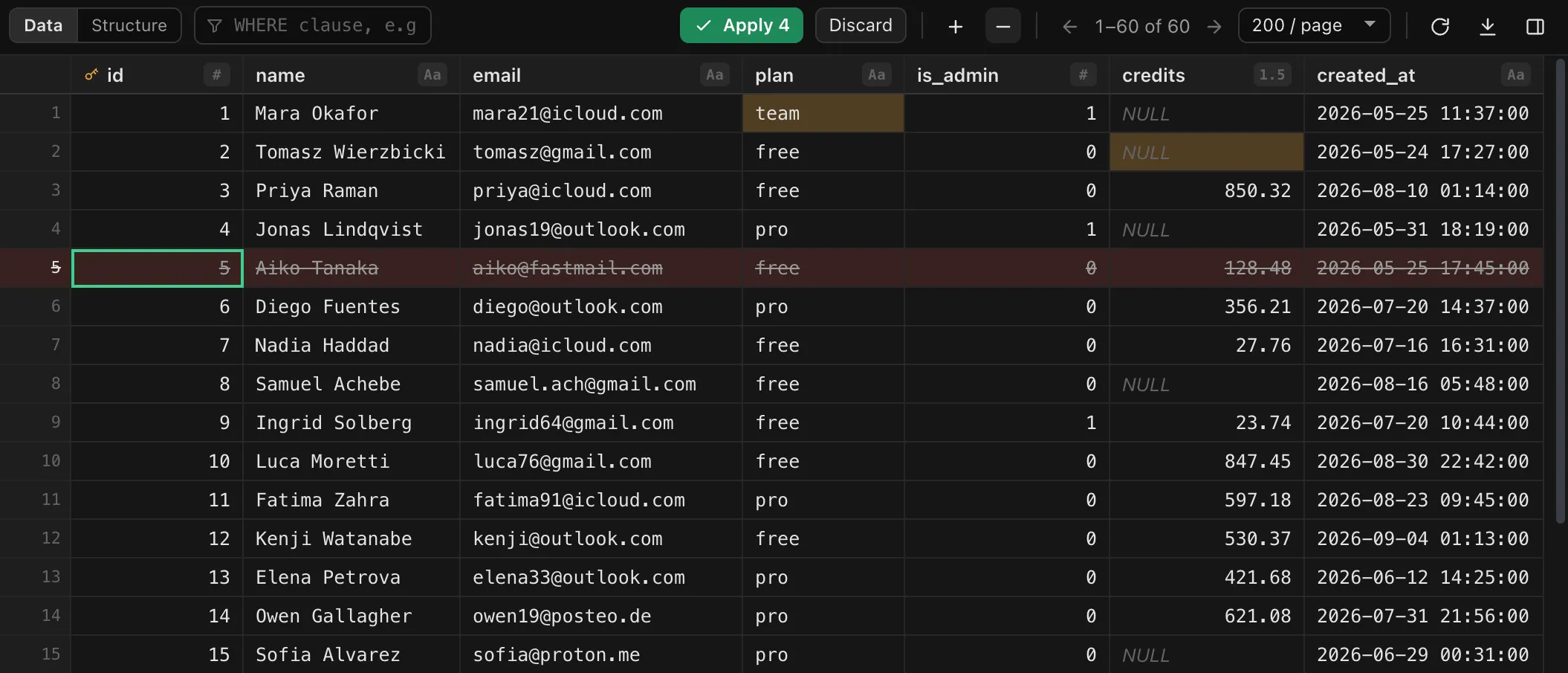
Stage edits, apply them in one transaction.
Cell edits, NULLs, new rows and deletions stay highlighted until you apply them together. Every statement must match exactly one row, or the whole batch rolls back.
Desktop app · macOS, Windows, Linux · Open source
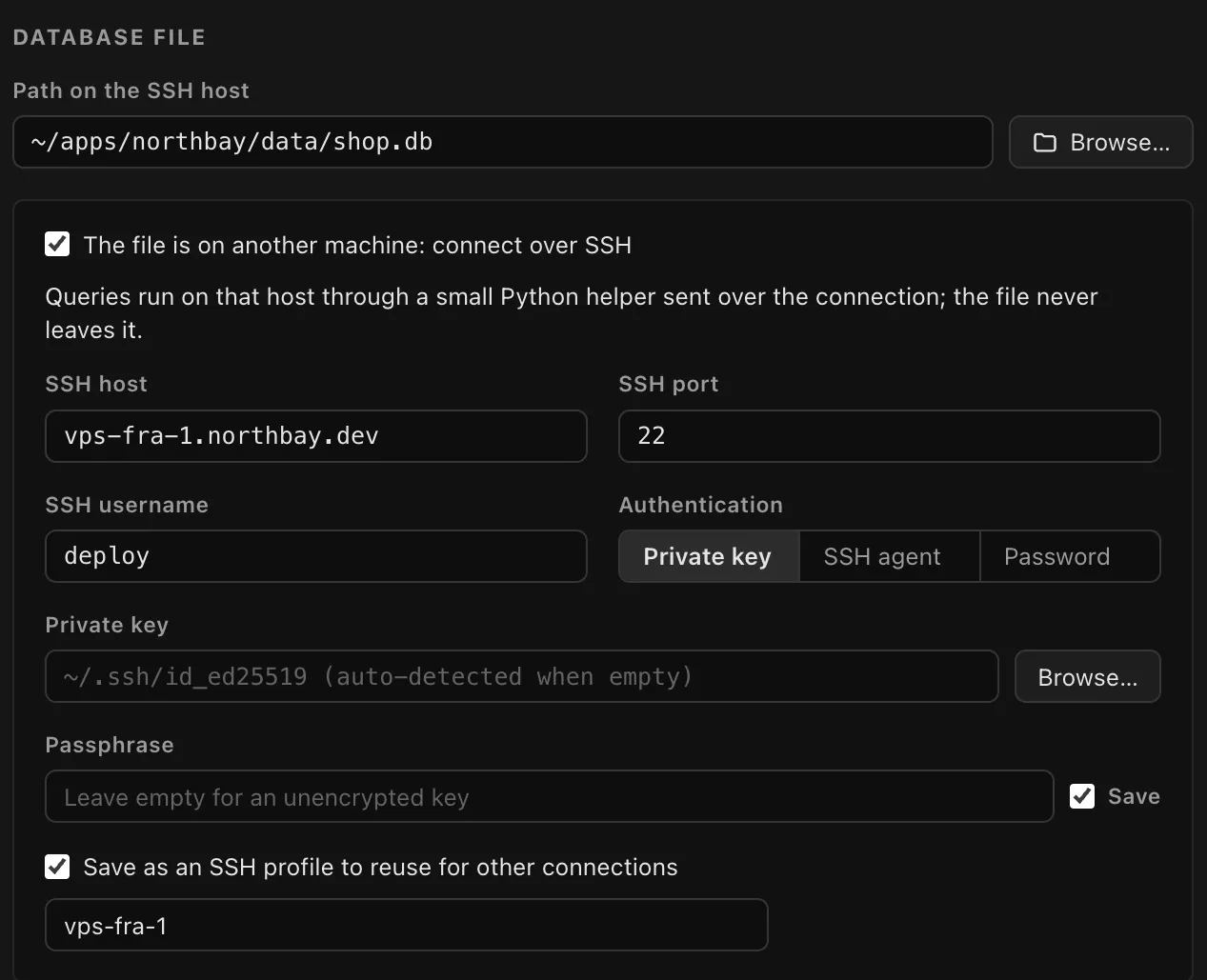
Open SQLite files on your computer, or in place on a server over SSH. Connect to PostgreSQL directly or through an SSH tunnel. Then browse, edit and query, or ask a question in plain English.
Cell edits, NULLs, new rows and deletions stay highlighted until you apply them together. Every statement must match exactly one row, or the whole batch rolls back.
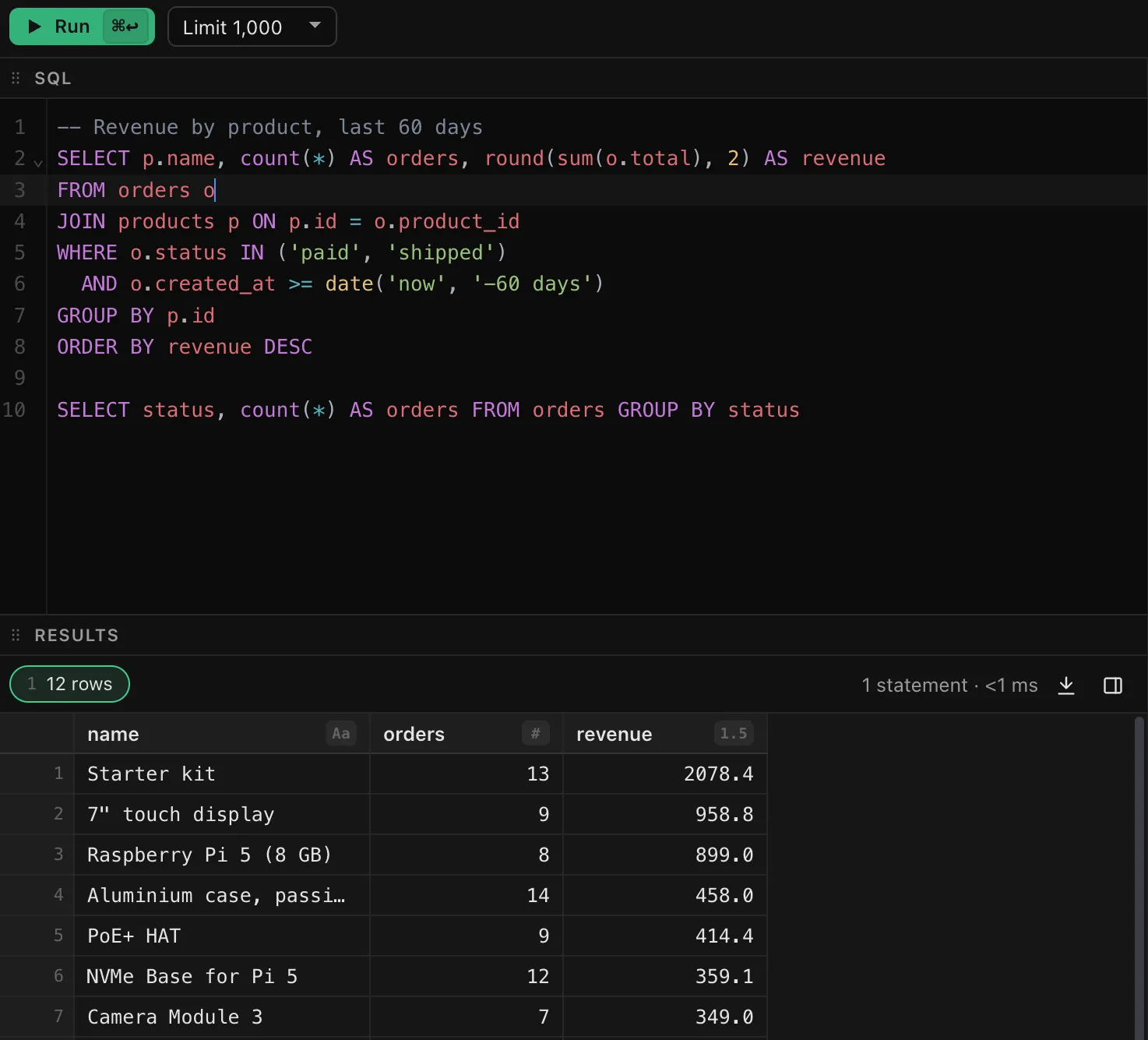
⌘↩ runs the block under the cursor and ⌘⇧↩ runs everything. Suggestions follow the statement, and rows from a plain SELECT can be edited in place.
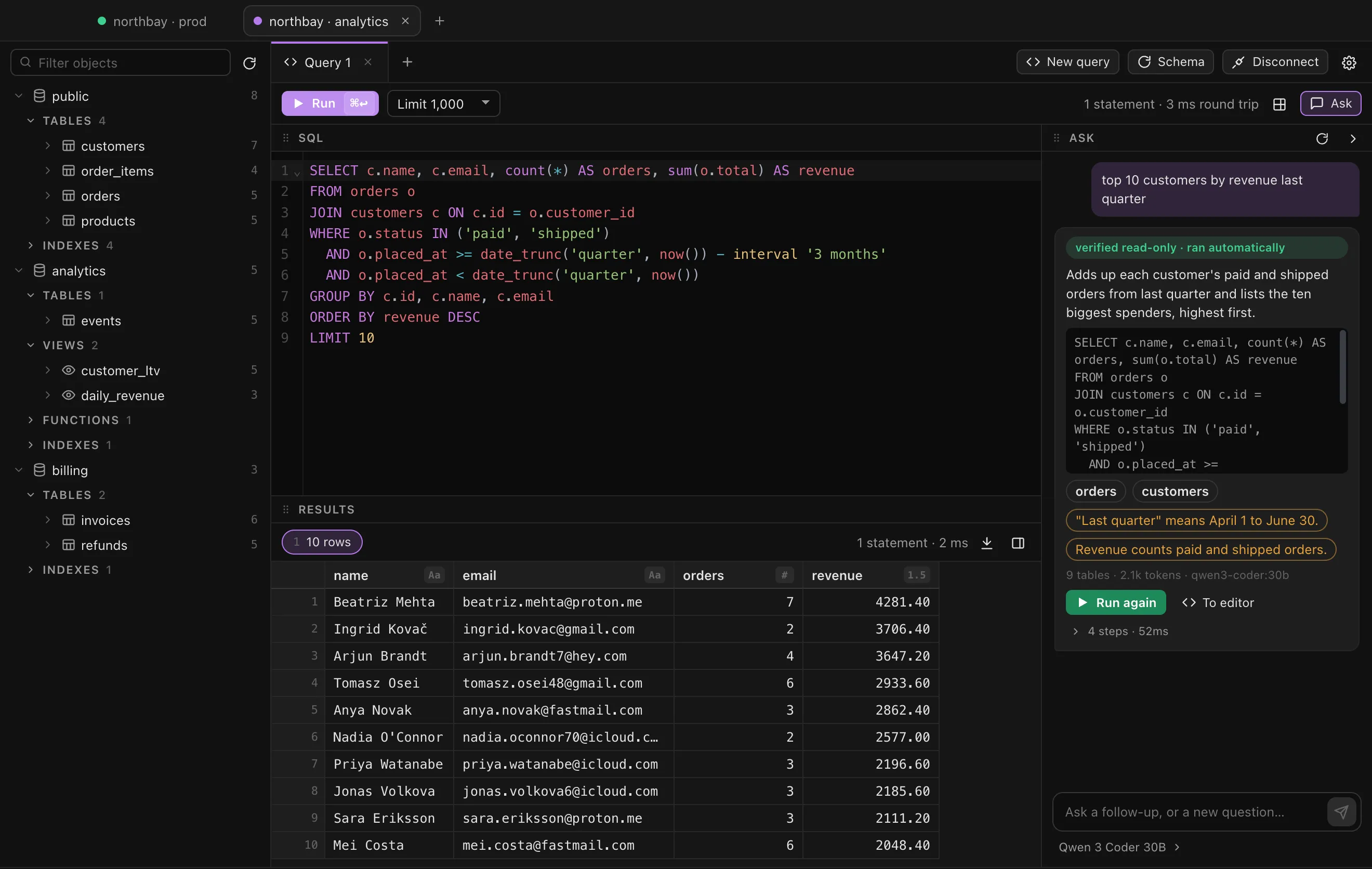
A model you choose writes the SQL. Only a single SELECT is accepted, it is checked withEXPLAIN and run read-only, and the chat says what it assumed.
Schemas, functions and procedures in a sidebar that stays quick with a hundred thousand tables.bigint and numeric values never round.
Every connection is a tab, and its tabs, queries and results come back when you reopen the app. Group connections and reuse SSH profiles.
The file never leaves the server. Three moving parts, all of them boring on purpose.
Sagittarion
desktop app · ssh2
python3 helper
standard library only · sent each connection
app.db
opened in place with sqlite3
python3 3.5 or newer, which Debian, Ubuntu, Fedora, Raspberry Pi OS and most NAS systems already have. SFTP is optional, for the file browser.python3 as well; on a Mac the Xcode Command Line Tools provide it.Free for macOS, Windows and Linux. Every build is published on GitHub.
.dmg or .zip
Latest releaseWindows.exe
Latest releaseLinux.AppImage or .deb · x86_64
Latest releaseRather build it yourself? Clone the repository, then runnpm install and npm run dist.
Yes. It is open source under the MIT license. Download a build from GitHub, or build it from the source.
No. For SQLite over SSH, a small Python script that uses only the standard library is sent over the connection each time you connect, and runs as your user. Nothing is left behind, and the sqlite3 command-line tool is not needed.
No. Only a single SELECT is accepted, and it runs under SQLite's query_only pragma or inside a PostgreSQL READ ONLY transaction. You can also turn off automatic runs and review each query first.
Your question and a compact description of the tables that matter to it. Sample values are sent only if you turn that on. With your own key, requests go straight from the app to the provider. With a local server such as Ollama, nothing leaves your machine.
No. There is no account and no telemetry. It connects only to the databases, SSH hosts and model provider you set up.
Not yet. Password, private key and SSH agent authentication work today.